Loading page

OutfitSnap: AI Outfit Planner
Real-body virtual try-on
Virtual Try-On for iPhone
See your own clothes on your own body photo.
OutfitSnap turns clothes from your digital wardrobe into an AI-rendered outfit preview on the body photo you provide, so you can compare combinations before you wear them.

Available for iPhone. Virtual try-on is a visualization, not a sizing or fit guarantee.
Direct answer
What is virtual try-on?
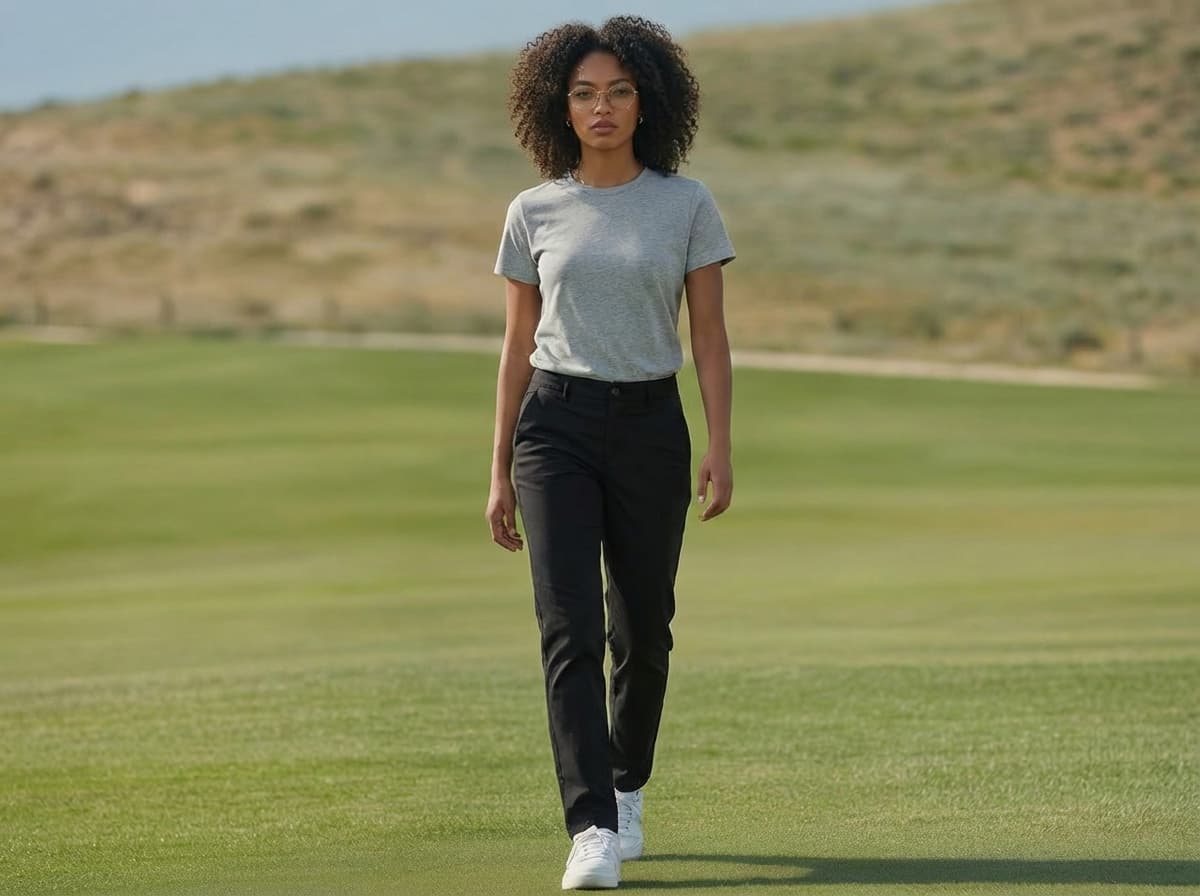
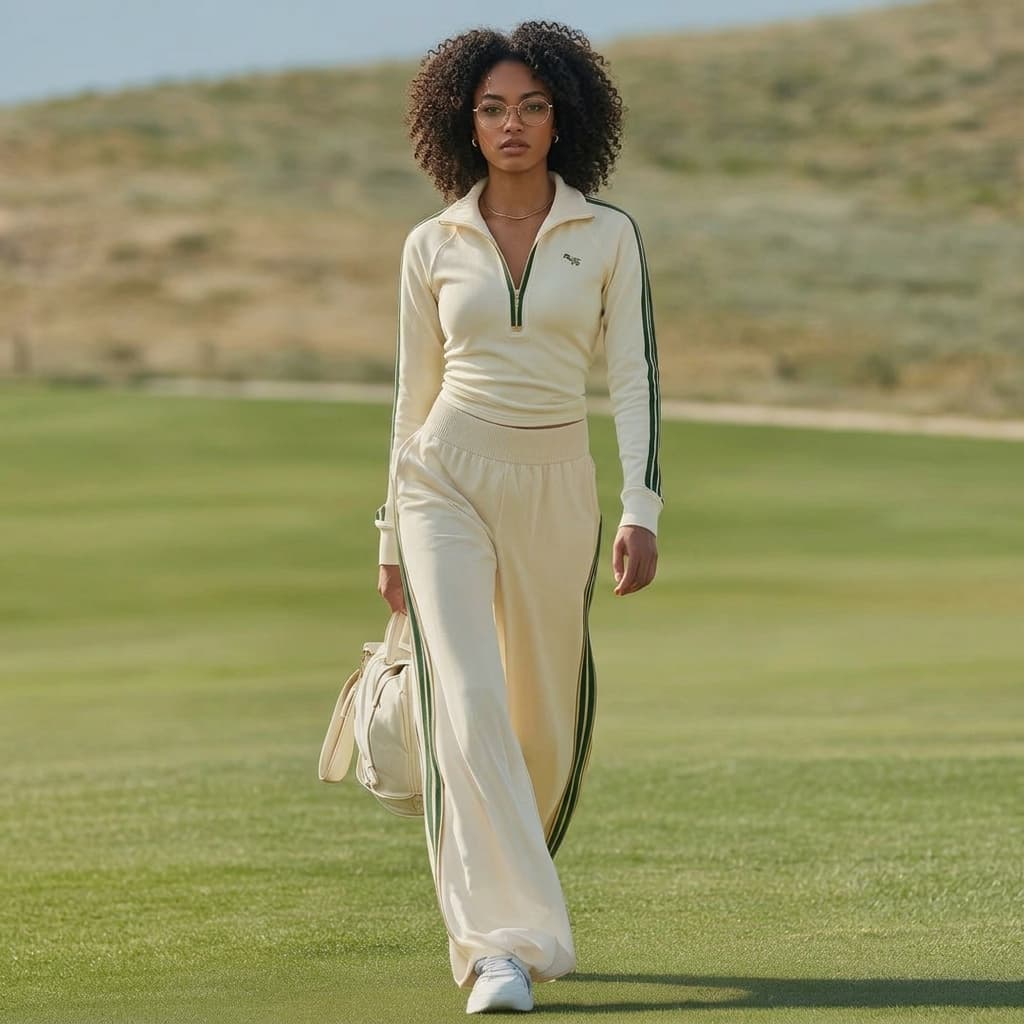
Virtual try-on is a way to visualize clothing on a photo without physically changing into every combination. In OutfitSnap, you add photos of clothes you own, provide your own body photo, select the pieces you want to combine, and request an AI-rendered preview.
The result is a visual planning aid. It can help you compare how an outfit comes together, but it does not measure your body or determine which clothing size will physically fit.
Why it helps
A virtual try-on built around your wardrobe
The useful difference is not simply generating a fashion image. The workflow begins with your clothes, your chosen combination, and your body photo.
Use clothes you already own
Photograph wardrobe items and choose the pieces you want to see together instead of starting from a generic fashion catalog.
Preview the combination on yourself
Use your own body photo as the basis for the generated outfit visualization rather than viewing the look only on a stock model.
Compare before getting changed
Explore more than one combination and keep the previews that help you make a decision for later.
Workflow
How OutfitSnap virtual try-on works
You stay in control of the inputs from the first clothing photo to the saved result.
- 01
Add your clothes
Photograph clothing with your camera or choose images from your photo library, then organize the items in your wardrobe.
- 02
Provide a body photo
Choose the photo of yourself that you want OutfitSnap to use for the visualization.
- 03
Select the pieces
Pick the tops, bottoms, outerwear, shoes, or accessories you want to combine in the preview.
- 04
Generate and save the look
Request the AI-rendered preview, compare the result, and save the looks you want to revisit.
What you can do
What a virtual preview can help with
OutfitSnap is designed for visual decisions about combinations, not for replacing measurements or a physical fitting room.
Compare outfit ideas
Try different combinations from the same wardrobe and return to the generated looks over time.
Plan before you wear
Use the preview as an extra visual reference when deciding which pieces you want to put on together.
Keep useful results
Save, rename, favorite, download or share generated looks, and organize them into collections.
Good to know
A visualization, not a sizing or fit guarantee
OutfitSnap creates an AI-rendered image. It does not take body measurements, calculate clothing size, or guarantee physical fit.
Fabric, drape, proportions, color, and other details in a generated preview may differ from how the clothing appears in real life. Use the result to compare visual ideas, not as a promise of exact appearance.
Helpful answers
Questions about virtual try-on
Clear answers about using your own clothes and body photo for a visual outfit preview.
Can I virtually try on clothes I already own?+
Yes. OutfitSnap lets you add photos of your own clothing, select wardrobe items, and use them in an AI-rendered outfit preview.
Does OutfitSnap show the outfit on my own body?+
OutfitSnap uses the body photo you provide as the basis for the generated visualization. Your result is not placed on a generic stock model.
Is virtual try-on the same as a fitting or sizing tool?+
No. OutfitSnap helps visualize an outfit combination. It does not measure your body, recommend a size, or guarantee how a garment will physically fit.
Is OutfitSnap available for iPhone?+
Yes. OutfitSnap is an iOS-first mobile app available for iPhone through the App Store.
Explore OutfitSnap
Continue with your wardrobe
Get the iPhone app
Preview your next outfit on your own photo.
Download OutfitSnap for iPhone to add your clothes, choose a combination, and create a visual outfit preview.